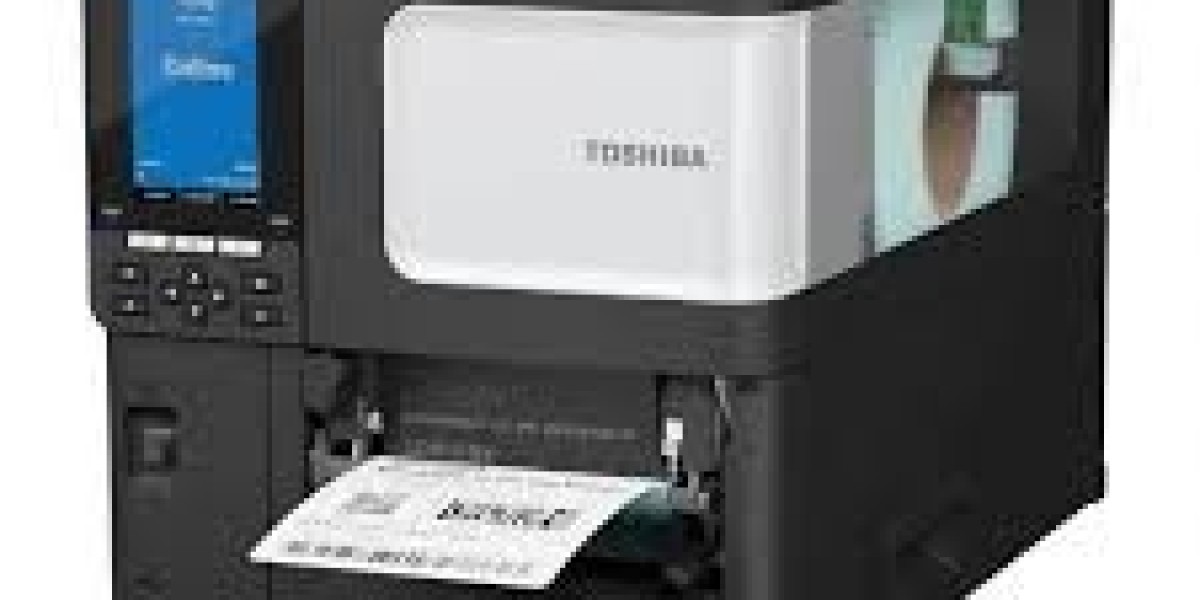

Are you looking for a reliable barcode machine to improve your business operations? Barcode machines are essential tools for retail stores, supermarkets, warehouses, pharmacies, and many other industries. They help businesses identify products, manage inventory, process sales, and maintain accurate records. Whether you operate a small shop or a large distribution centre, using barcode technology can save time, reduce errors, and improve productivity.
A barcode machine can refer to a barcode scanner, barcode printer, or an integrated barcode system, depending on your business requirements. Understanding the available options can help you choose the right equipment for your daily operations.
What Is a Barcode Machine?
A Barcode Machine is a device used to read, print, or process barcode information. Barcodes contain product identifiers or other data that can be captured using compatible scanning equipment and software.
Businesses commonly use barcode machines to identify products, record transactions, track stock movements, and organise inventory. When connected to a point-of-sale (POS) system or inventory management software, these devices help maintain accurate business records.
There are several types of barcode machines available, including handheld scanners, wireless scanners, desktop barcode printers, and industrial barcode printing systems. Each type serves a different purpose, so choosing the right machine depends on your business activities.
What Are the Different Types of Barcode Machines?
Understanding the main types of barcode machines can help you select suitable equipment for your workplace.
1. Barcode Scanner
A barcode scanner reads information encoded in a barcode and transfers the data to a connected computer, POS terminal, or compatible application.
Handheld barcode scanners are popular in retail stores, supermarkets, pharmacies, and warehouses. They allow employees to scan products quickly instead of entering product codes manually.
Some scanners read traditional one-dimensional barcodes, while others support two-dimensional barcodes such as QR codes. Wired models connect through USB or another supported interface, whereas wireless models offer greater mobility.
2. Barcode Label Printer
A barcode label printer produces labels containing barcodes, product information, prices, serial numbers, or shipping details.
Thermal barcode printers are widely used because they can print labels quickly and efficiently. Direct thermal printers use heat-sensitive material, while thermal transfer printers use a ribbon to transfer ink onto suitable label stock.
These printers are useful for product labelling, warehouse identification, logistics, retail packaging, and inventory management.
3. Wireless Barcode Machine
Wireless barcode scanners allow employees to scan products without remaining physically connected to a computer. Depending on the model, they may communicate through Bluetooth or a wireless receiver.
This flexibility is particularly helpful in warehouses, stockrooms, and large retail environments where workers frequently move between shelves and storage areas.
Before purchasing a wireless scanner, check its operating range, battery life, charging options, connectivity, and compatibility with your existing systems.
4. Industrial Barcode Machine
Industrial barcode equipment is designed for demanding environments such as manufacturing facilities, distribution centres, and large warehouses.
These devices may offer stronger construction, faster scanning performance, and greater resistance to dust or frequent handling. Industrial barcode printers can also produce labels for cartons, pallets, equipment, and warehouse locations.
The appropriate model depends on the working environment, printing volume, label requirements, and operational needs.
How Does a Barcode Machine Work?
A barcode machine works by reading or producing information represented by a barcode.
When a barcode scanner reads a product label, it captures the encoded data and sends it to a connected computer or software system. The software then matches the scanned code with the relevant product record.
For example, when a cashier scans an item at a checkout counter, the POS system can identify the product, retrieve its price, and add it to the transaction. Depending on the software configuration, the system may also update inventory quantities after the sale.
A barcode printer works differently. It receives printing instructions from compatible software and produces labels containing the required barcode and product details.
Together, barcode scanners, printers, and business software can create a streamlined product identification and inventory management process.
What Are the Benefits of Using a Barcode Machine?
Barcode machines provide several advantages for businesses of different sizes.
Faster Transactions
Barcode scanners allow employees to retrieve product information quickly. Retailers can process customer purchases more efficiently, helping reduce checkout delays during busy periods.
Improved Inventory Management
Scanning products during receiving, storage, transfers, and sales helps businesses maintain more accurate stock records. This makes it easier to identify shortages and monitor inventory movement.
Reduced Human Errors
Manual data entry can lead to incorrect product codes, pricing mistakes, and inaccurate stock counts. Barcode scanning reduces the need for repetitive typing and helps minimise these errors.
Better Productivity
Employees can complete routine tasks more quickly when products are identified through scanning. This can improve workflow efficiency in warehouses, shops, and distribution centres.
Accurate Product Identification
Barcodes provide a consistent way to identify products and link them to relevant records. This is particularly useful when businesses manage large numbers of similar items.
Easier Reporting
When integrated with suitable software, barcode systems help businesses collect transaction and inventory data. Managers can use these records to review stock levels, sales activity, and operational performance.
Which Businesses Need a Barcode Machine?
Barcode machines are useful across many industries.
- Retail shops: Scan products, retrieve prices, and manage stock.
- Supermarkets: Speed up checkout operations and improve product identification.
- Warehouses: Track goods, organise storage locations, and record stock movements.
- Pharmacies: Support product identification and inventory control.
- Manufacturing companies: Label products, components, and finished goods.
- E-commerce businesses: Identify products and support order picking and packing.
- Logistics companies: Scan parcels and shipping labels during handling and distribution.
- Healthcare facilities: Track supplies and equipment using suitable barcode systems.
The right solution depends on the number of products, daily transaction volume, working conditions, and the software used by the organisation.
How Can You Choose the Right Barcode Machine?
Selecting the right barcode machine requires careful consideration of your business requirements.
Check Barcode Compatibility
Determine whether you need to scan one-dimensional barcodes, two-dimensional barcodes, or both. If your business uses QR codes, confirm that the scanner supports them.
Consider Connectivity
Choose between USB, Bluetooth, or other supported connections based on your workspace and existing equipment. Verify compatibility with your POS terminal, computer, tablet, or inventory software.
Evaluate Durability
Retail counters may require standard scanners, while industrial environments may need more rugged equipment. Consider how frequently the machine will be used and the conditions in which it will operate.
Review Printing Requirements
If you need to print labels, check the printer's supported label sizes, printing resolution, printing speed, and media compatibility. Also consider whether direct thermal or thermal transfer printing is more appropriate.
Compare Support and Warranty
Review warranty coverage, technical support, availability of replacement parts, and the supplier's reputation. Reliable after-sales service can help reduce equipment downtime.
Consider Your Budget
Compare the purchase price with the machine's features, expected workload, and long-term operating costs. A suitable device should meet your requirements without unnecessary complexity.
How Much Does a Barcode Machine Cost?
The price of a barcode machine depends on its type, brand, specifications, connectivity, and intended use.
Basic wired barcode scanners are generally more affordable than advanced wireless or industrial models. Barcode label printers also vary in price according to print speed, resolution, connectivity, supported media, and daily printing volume.
Before buying, request a quotation that specifies the exact model, included accessories, warranty, and compatibility requirements. Comparing complete specifications rather than price alone helps you choose equipment that offers appropriate value for your business.
A barcode machine is a valuable investment for businesses that want to improve product identification, inventory accuracy, and daily operational efficiency. From handheld barcode scanners to thermal label printers and industrial systems, different options are available to meet various business requirements.
Before purchasing, consider your industry, scanning needs, printing volume, connectivity, budget, and software compatibility. Choosing the right barcode equipment can help streamline workflows, reduce manual errors, and support more organised business operations.
Whether you manage a retail shop, supermarket, warehouse, pharmacy, or e-commerce business, a suitable barcode machine can help you manage products more effectively and build a more efficient working environment.
Frequently Asked Questions About Barcode Machines
1. What is a barcode machine used for?
A barcode machine is used to scan product codes, print barcode labels, track inventory, process sales, and improve product identification. Its exact function depends on whether it is a scanner, printer, or integrated system.
2. Is a barcode machine suitable for small businesses?
Yes. Small shops, independent retailers, and online sellers can use barcode machines to simplify stock management, improve transaction accuracy, and reduce manual data entry.
3. Can a barcode machine connect to a POS system?
Many barcode scanners and printers can work with compatible POS systems. Before purchasing, check the device's interface, supported software, operating system, and connection requirements.
4. What is the difference between a barcode scanner and a barcode printer?
A barcode scanner reads information from existing barcodes, while a barcode printer creates new barcode labels. Some businesses use both devices to manage products efficiently.
5. Can barcode machines scan QR codes?
Some barcode scanners support both traditional one-dimensional barcodes and two-dimensional codes, including QR codes. Check the product specifications to confirm the required scanning capabilities.
6. Do barcode machines require special software?
Barcode scanners can sometimes operate as keyboard input devices without specialised software, but inventory tracking and POS functions generally require compatible applications. Barcode printers typically need suitable printing software or drivers.
7. How do I maintain a barcode machine?
Keep the scanning window clean, protect the device from damage, charge wireless models appropriately, and follow the manufacturer's maintenance instructions. For printers, clean the printhead as recommended and use compatible labels and ribbons.
8. Where can I buy a barcode machine?
You can purchase barcode machines from office equipment suppliers, POS hardware dealers, technology retailers, and authorised distributors. Compare specifications, warranty terms, compatibility, and after-sales support before placing an order.








