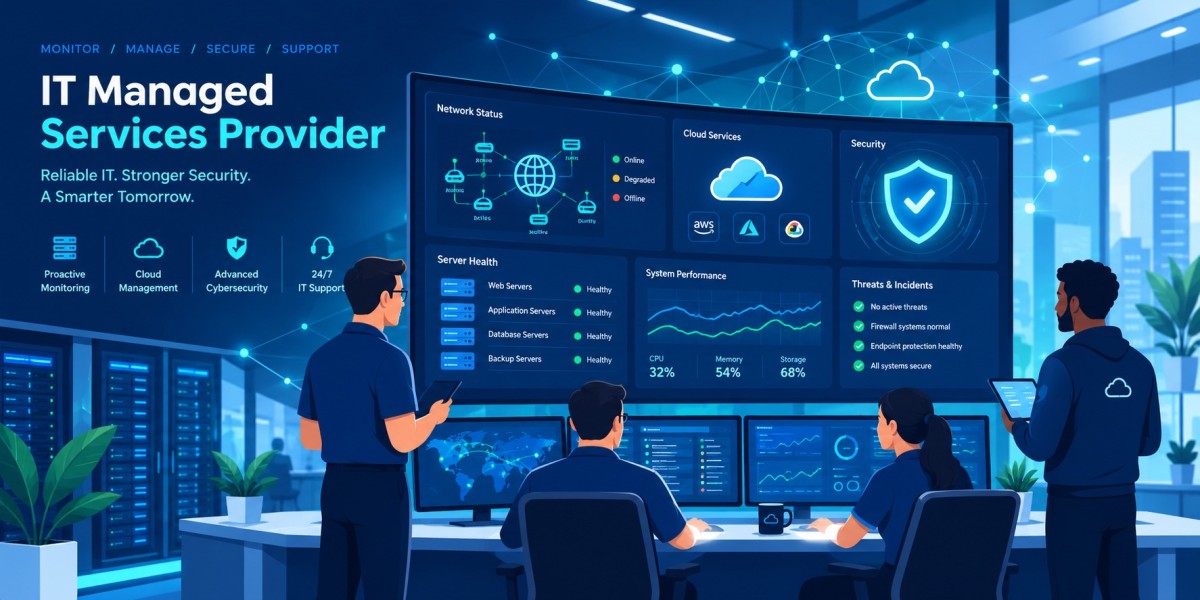

Why Your Business Needs a Reliable IT Managed Services Provider
Technology is no longer a back-office function. It runs your sales, your communication, your customer service and your security. When systems slow down or fail, revenue stops. That is why more small and mid-sized businesses are partnering with an IT Managed Services Provider instead of relying on ad-hoc fixes or a stretched internal team.
This guide explains what an MSP is, what services to expect, how pricing works, and how to choose the right partner.
What Is an IT Managed Services Provider?
An IT Managed Services Provider, often shortened to MSP, is an external company that proactively manages your IT infrastructure, users, security and support for a predictable monthly fee. Instead of calling someone after something breaks, you have a team that monitors, maintains and improves your environment around the clock.
The key word is proactive. A traditional “break/fix” technician arrives after the failure and bills by the hour. A good IT Managed Services Provider works to prevent the failure in the first place, which usually means less downtime and lower long-term cost.
How an IT Managed Services Provider Differs from Break/Fix IT
Break/fix support is reactive and unpredictable. You pay when something goes wrong, and the provider has little incentive to prevent problems. With a managed model, the provider earns a recurring fee, so its success depends on keeping your systems healthy.
Here are the main differences:
- Billing: hourly or per incident versus a fixed monthly agreement
- Approach: reactive versus proactive monitoring and maintenance
- Accountability: none versus defined service level agreements (SLAs)
- Strategy: none versus regular planning, reviews and roadmaps
Where an IT Managed Services Provider Fits Alongside In-House IT
Many companies assume they must choose between an internal team and an outsourced one. In reality, a IT Managed Services Provider often works alongside in-house staff. This is called co-managed IT. Your internal team handles business-specific projects and priorities, while the MSP covers helpdesk overflow, after-hours monitoring, security tools and specialist skills that are expensive to hire full-time.
Typical Scenarios for Co-Managed Support
- Your one-person IT department needs backup during vacations and illness
- You need 24/7 monitoring but cannot staff night shifts
- You lack security expertise for audits or compliance
- You are growing quickly and need to scale support without hiring
The Bottom Line on the MSP Model
The model works because it replaces unpredictable IT costs and risk with a predictable service relationship. The rest of this guide shows what that looks like in practice.
Core Services Offered by an IT Managed Services Provider
Service portfolios vary, but a mature IT Managed Services Provider typically covers the following areas.
1. Helpdesk and End-User Support
Your employees need fast answers when a laptop freezes, a password locks or email stops syncing. An MSP provides a helpdesk through phone, email, chat or a ticketing portal, with response times defined in your SLA. Strong support reduces lost productivity, which is often the hidden cost of poor IT.
2. Remote Monitoring and Management (RMM)
Monitoring tools watch servers, workstations, network devices and applications continuously. When disk space runs low, a service fails or a device behaves strangely, alerts fire and engineers act, often before users notice. This is the heart of proactive support.
3. Patch Management and Updates
Unpatched software is one of the most common ways attackers get in. A dependable IT Managed Services Provider schedules, tests and deploys operating system and application updates across your devices so vulnerabilities are closed quickly and consistently.
4. Cybersecurity Services
Security is now the top reason businesses look for an MSP. Common offerings include:
- Endpoint protection and managed detection and response (EDR/MDR)
- Email filtering against phishing and malware
- Firewall management and network security
- Multi-factor authentication and access control
- Security awareness training for staff
- Vulnerability scanning and reporting
5. Backup and Disaster Recovery
Backups are only useful if they restore. An experienced IT Managed Services Provider designs backup schedules, stores copies offsite or in the cloud, and tests recovery regularly. Disaster recovery planning defines how quickly you can be running again after ransomware, hardware failure or a natural disaster.
6. Cloud Management and Migration
Whether you use Microsoft 365, Google Workspace, Azure or AWS, an MSP can migrate workloads, manage licences, control costs and keep configurations secure. Poorly managed cloud environments are a common source of both overspending and data exposure.
7. Network Management
Reliable Wi-Fi, secure VPNs, well-configured switches and monitored internet connections keep your team productive, especially with hybrid and remote work. MSPs design, monitor and optimize these networks.
8. Strategic IT Consulting (vCIO)
Many providers offer a virtual CIO who meets with leadership to align technology with business goals. This includes budgeting, hardware lifecycle planning, risk assessments and technology roadmaps.
Key Benefits of Hiring an IT Managed Services Provider
Predictable Costs
A fixed monthly fee makes budgeting simple. You avoid surprise invoices from emergency repairs and large unplanned purchases.
Reduced Downtime
Proactive monitoring and maintenance catch problems early. Fewer outages mean more productive employees and happier customers.
Access to a Full Team of Experts
Hiring a network engineer, a security analyst, a cloud specialist and a helpdesk team in-house would be very costly. With a IT Managed Services Provider, you share that expertise with a fraction of the overhead.
Stronger Security and Compliance
Regulations around privacy and data protection keep growing. A capable MSP helps you implement the controls needed for frameworks such as PIPEDA, HIPAA, PCI-DSS or SOC 2, and documents them for auditors.
Scalability
Adding ten new employees or opening a second office should not mean rebuilding your IT department. MSPs scale services up or down as your business changes.
Focus on Your Core Business
When someone else handles patching, backups and tickets, your leaders can focus on customers, growth and operations.
How Much Does an IT Managed Services Provider Cost?
Pricing depends on company size, number of users and devices, security requirements and service depth. Most providers use one of these models.
Per-User Pricing
You pay a fixed monthly rate for each employee. It is simple, scales easily with headcount and usually bundles support for the devices each person uses.
Per-Device Pricing
You pay for each managed endpoint, server or network device. This suits businesses with many shared devices or a small number of users.
Tiered Packages
Providers bundle services into levels such as basic, standard and premium. Higher tiers add security, compliance and strategic services.
Flat-Fee or All-Inclusive Pricing
One monthly fee covers a defined scope of services. This is the most predictable model, but read the scope carefully to know what is excluded.
Factors That Affect the Final Price
- Number of users, devices and locations
- Support hours (business hours versus 24/7)
- Level of cybersecurity and compliance requirements
- Complexity of your applications and infrastructure
- Onboarding and project work such as migrations
Always ask whether onboarding is included, how out-of-scope work is billed and whether there are long-term contract penalties.
How to Choose the Right IT Managed Services Provider
Choosing a partner is a business decision, not just a technical one. Use this checklist when evaluating any IT Managed Services Provider.
Check Experience and Industry Fit
Ask how long they have been operating, how many clients they support and whether they work with businesses like yours. Experience in your industry helps with specialized software and compliance requirements.
Review the SLA in Detail
A service level agreement should state response times, resolution targets, support hours, escalation paths and what happens if targets are missed. Vague promises are a red flag.
Evaluate Their Security Posture
Your provider has deep access to your systems, so its own security matters. Ask about multi-factor authentication, employee background checks, incident response procedures and relevant certifications.
Ask About Onboarding and Documentation
A structured onboarding process, with network documentation, asset inventories and clear communication, shows maturity. You should never be locked out of your own passwords or documentation.
Request References and Reviews
Speak with current clients and read independent reviews. Ask about responsiveness, communication quality and how the provider handled a serious incident.
Understand Reporting and Communication
Regular reports on tickets, patch status, security events and recommendations show whether the service is delivering value. Quarterly business reviews keep strategy on track.
Questions to Ask Before You Sign
- What is your average response and resolution time?
- Are support hours and after-hours coverage included?
- Who owns the documentation and admin credentials?
- How do you handle security incidents and ransomware recovery?
- What is the contract length, and how can I exit?
- How is out-of-scope work billed?
Red Flags to Watch For
- No written SLA or vague guarantees
- Refusal to share references
- Pressure to sign long contracts quickly
- No clear security practices of their own
- Poor communication during the sales process
Final Check Before Deciding
If the provider listens carefully to your business goals and explains technology in plain language, that is a strong sign of a good long-term relationship.
Industries That Benefit Most from an IT Managed Services Provider
Almost any organization with employees and computers can benefit, but some sectors see especially strong results:
- Healthcare: protecting patient data and meeting privacy rules
- Legal and accounting firms: safeguarding confidential client information
- Construction and manufacturing: keeping connected equipment and field teams online
- Retail and e-commerce: protecting payment systems and avoiding downtime
- Non-profits: getting enterprise-level IT on limited budgets
- Professional services: supporting remote and hybrid teams securely
Common Myths About Working with an IT Managed Services Provider
“We are too small.” Small businesses are frequent targets of cyberattacks and often have the least protection. A IT Managed Services Provider gives them enterprise-grade tools at an affordable rate.
“We will lose control.” A good provider works as an extension of your team and gives you full visibility through reporting and documentation.
“It is too expensive.” When you add up downtime, emergency repairs, internal salaries and breach risk, managed services often cost less than the alternative.
“Our in-house person can handle everything.” One person cannot cover every skill, every shift and every emergency. Co-managed support fills the gaps.
Getting Started with an IT Managed Services Provider
A typical engagement begins with a discovery call and an IT assessment. The provider reviews your devices, network, security controls, backups and licences, then presents findings and a recommended plan. After agreement, onboarding begins: monitoring agents are installed, documentation is created and users are introduced to the support process.
The first 90 days usually focus on stabilizing the environment, closing security gaps and setting up a regular review rhythm. From there, the relationship shifts toward continuous improvement and long-term planning.
Conclusion
Technology should be an advantage, not a constant source of stress. By choosing the right IT Managed Services Provider, you get predictable costs, proactive protection, expert support and a technology roadmap that grows with your business. Compare providers carefully, insist on clear SLAs and look for a partner that values communication as much as technical skill.
Ready to move from reactive fixes to proactive IT? Talk to a trusted IT Managed Services Provider today and find out how managed IT can reduce risk and keep your team productive.