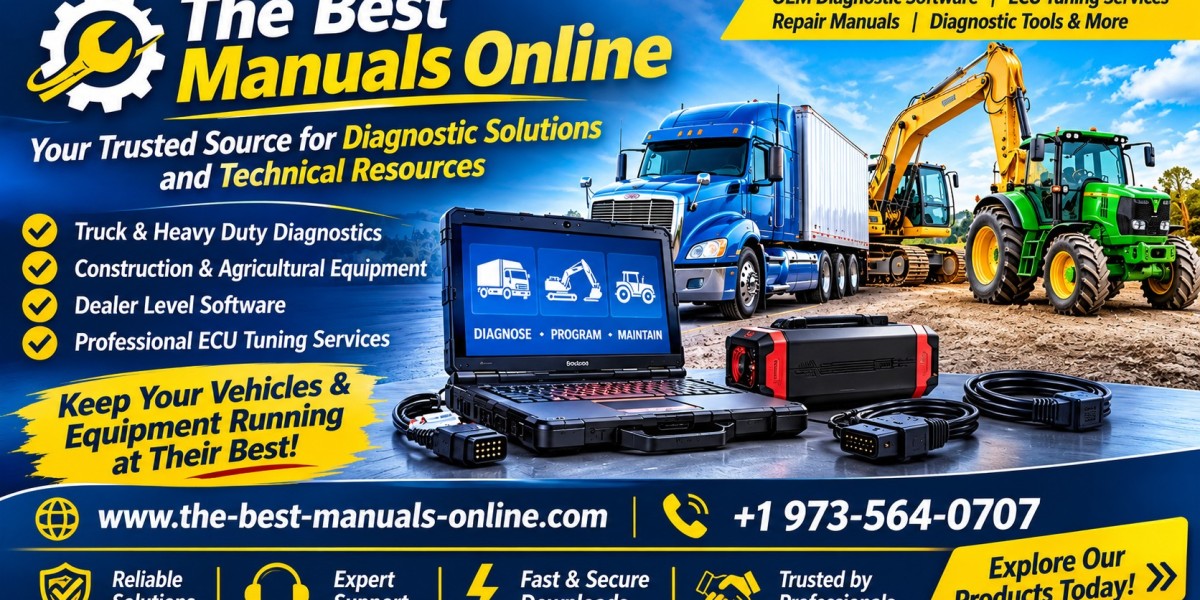

Heavy equipment plays an essential role in construction, agriculture, transportation, mining, and industrial operations. Machines such as excavators, bulldozers, wheel loaders, tractors, and heavy-duty trucks rely on complex electronic systems to perform demanding tasks. When a machine develops a fault, identifying the cause quickly is important for safe and efficient operation. Heavy equipment diagnostic software helps technicians communicate with compatible electronic control units, retrieve fault information, monitor machine data, and investigate potential problems.
What Is Heavy Equipment Diagnostic Software?
Heavy equipment diagnostic software is a specialized application designed to communicate with the electronic systems installed in machinery and commercial vehicles. It works with compatible diagnostic interfaces and computers to retrieve information from supported control modules.
Modern equipment uses electronic control units (ECUs) to manage different functions. Depending on the machine, these systems may monitor engine performance, transmission operation, hydraulic controls, electrical components, and other important features.
Diagnostic software allows technicians to access available information from these systems. It can help identify fault codes, review sensor readings, perform supported system tests, and investigate electronic problems.
The available functions depend on the equipment manufacturer, machine model, production year, software version, and diagnostic interface.
Why Is Diagnostic Software Important for Heavy Equipment?
Heavy machinery often operates in challenging environments and under significant workloads. A machine that stops working unexpectedly can interrupt construction projects, agricultural operations, and other business activities.
Electronic faults are not always easy to identify through a visual inspection. Diagnostic software provides additional information that helps technicians understand what a control module has detected.
Some important benefits include:
Fault code identification: Retrieve diagnostic trouble codes from supported electronic systems.
Live data monitoring: Review available sensor readings and operating parameters.
Improved troubleshooting: Use diagnostic information to investigate possible causes.
System testing: Perform supported tests on selected components and systems.
Maintenance support: Access available service-related diagnostic functions.
Reduced investigation time: Help technicians focus on relevant systems during repair work.
These capabilities can support a more organized maintenance process and help professionals make informed repair decisions.
Common Applications of Heavy Equipment Diagnostic Software
Different types of machinery use different electronic systems. Diagnostic requirements can therefore vary depending on the equipment and its intended purpose.
1. Excavators
Excavators are widely used in construction, demolition, mining, and earthmoving projects. They contain electronic systems that may monitor engine performance, hydraulic functions, machine operation, and other components.
Compatible diagnostic software can help technicians retrieve fault codes and review available machine information. This can assist with investigating electronic problems and identifying systems that may require further inspection.
2. Bulldozers and Wheel Loaders
Bulldozers and wheel loaders operate under demanding working conditions. Their electronic systems may control engine functions, transmission behavior, and machine-specific operating features.
Diagnostic applications can help technicians investigate warning indicators, communication problems, and other electronic faults. The correct software must support the specific equipment model and control modules.
3. Agricultural Tractors
Modern tractors use electronic systems to manage engine operation, transmission functions, and other machine features. Diagnostic software can provide access to available fault information and sensor data.
Farm equipment technicians can use compatible applications to investigate problems and support routine maintenance.
4. Heavy-Duty Trucks
Commercial trucks and diesel vehicles also require specialized diagnostic solutions. Technicians may need to examine engine management systems, transmission controls, braking-related electronics, and communication networks.
A suitable diagnostic application can help retrieve information from supported modules and guide further troubleshooting.
Important Features to Look For
Not every diagnostic application provides the same functions. Before selecting software, professional technicians should understand which features are available for their equipment.
Reading Diagnostic Trouble Codes
Fault codes provide useful information about problems detected by electronic control modules. Diagnostic software can retrieve supported codes and display descriptions that help technicians investigate the reported issue.
However, a fault code does not always identify a failed component. Additional testing and inspection may be necessary before deciding on a repair.
Live Sensor Data
Live data monitoring allows technicians to review information reported by supported sensors and control modules. Depending on the machine, this may include engine temperature, pressure readings, speed, and other operating values.
Comparing these readings with appropriate specifications can help identify unusual conditions.
Control Module Communication
Heavy machinery may contain several electronic control units responsible for different systems. Diagnostic software can communicate with supported modules to retrieve information and access available functions.
The number of supported modules varies by application and machine configuration.
Active System Testing
Some professional applications provide active testing functions. These allow technicians to evaluate selected components or systems through supported diagnostic procedures.
Testing should always follow the manufacturer's instructions and relevant safety precautions.
Maintenance and Service Functions
Certain applications include service-related functions, maintenance information, or supported system procedures. Technicians should confirm which functions are available before purchasing software.
How to Choose the Right Diagnostic Software
Selecting suitable software requires careful compatibility checks. A product designed for one machine may not work with another, even when both machines are from the same manufacturer.
Consider these factors before choosing a diagnostic solution:
Equipment manufacturer: Confirm that the application supports your machine's brand.
Machine model: Check the exact model and production year.
Engine specifications: Verify the engine type and relevant control system.
Software coverage: Review the supported electronic modules and diagnostic functions.
Diagnostic interface: Confirm that the required adapter and communication cables are compatible.
Computer requirements: Check the operating system, memory, storage, and installation requirements.
Licensing: Understand activation procedures, subscription terms, and software updates.
Technical assistance: Review the available installation and compatibility support.
Checking these details before ordering can help prevent problems and ensure that the selected product matches the intended application.
The Importance of Diagnostic Laptops and Interfaces
Heavy equipment diagnostic software usually requires compatible computer hardware and a communication interface.
A diagnostic laptop provides the platform for installing and operating the software. A suitable interface connects the computer to the machine's diagnostic port and allows supported electronic systems to communicate with the application.
Different manufacturers may use different connectors, communication protocols, and diagnostic devices. Some applications also require specific cables or adapters.
For this reason, technicians should review the complete hardware requirements before purchasing a diagnostic kit. Compatibility between the laptop, software, interface, and equipment is essential for a reliable diagnostic setup.
Best Practices for Heavy Equipment Diagnostics
Professional diagnostic work involves more than connecting a laptop and reading fault codes. Technicians should follow a structured process to investigate problems accurately.
Start by identifying the machine, engine, and relevant control modules. Record the reported symptoms and retrieve available diagnostic codes. Review live data where supported and compare readings with the appropriate technical specifications.
After identifying a possible cause, carry out the necessary physical inspections and manufacturer-recommended tests. Repair decisions should be based on verified findings rather than fault codes alone.
Technicians should also follow safe workshop procedures when working around engines, hydraulic systems, electrical components, and moving machinery. Any programming or configuration work must follow manufacturer instructions and applicable regulations.
Explore Heavy Equipment Diagnostic Software
The Best Manuals Online provides diagnostic software and related technical resources for professionals working with heavy-duty trucks, diesel engines, construction machinery, and agricultural equipment.
Mechanics, equipment technicians, fleet professionals, and repair workshops can explore available diagnostic solutions for different applications. Before ordering, customers should verify machine compatibility, supported control modules, required interfaces, software licensing, and computer specifications.
Choosing the right heavy equipment diagnostic software can support effective troubleshooting, organized maintenance, and informed repair decisions. When combined with compatible hardware and professional expertise, diagnostic tools can help technicians investigate electronic faults and maintain machinery more efficiently.