
How Does Cloud PC Gaming Work?
A virtual cloud gaming PC is a remote computer hosted on powerful server infrastructure. It uses remote CPU, memory, storage, and GPU resources to run compatible games while streaming the visual output to your device.
Cloud PC gaming works by running games on remote hardware instead of your local device. The server processes the game, renders graphics, and sends a live video stream to your screen.
Your keyboard, mouse, or controller inputs are transmitted to the remote machine, allowing you to control gameplay.
Getting started typically involves these steps:
Choose a cloud PC configuration that meets your requirements.
Connect to the remote Windows desktop.
Install compatible gaming platforms such as Steam or Epic Games.
Launch your preferred supported games.
Stream gameplay to your local device.
For the best experience, use a stable internet connection with sufficient bandwidth and low latency.
Not all cloud gaming services provide the same experience. Before selecting a provider, compare:
GPU specifications: Check graphics hardware and available performance.
Processing resources: Consider CPU, RAM, and storage.
Game compatibility: Verify support for your preferred games and launchers.
Network performance: Check latency, bandwidth, and server locations.
Pricing: Compare hourly billing and subscription options.
Desktop flexibility: Determine whether the service provides a complete Windows desktop or only game streaming.
Experience Cloud PC Gaming with SensePC
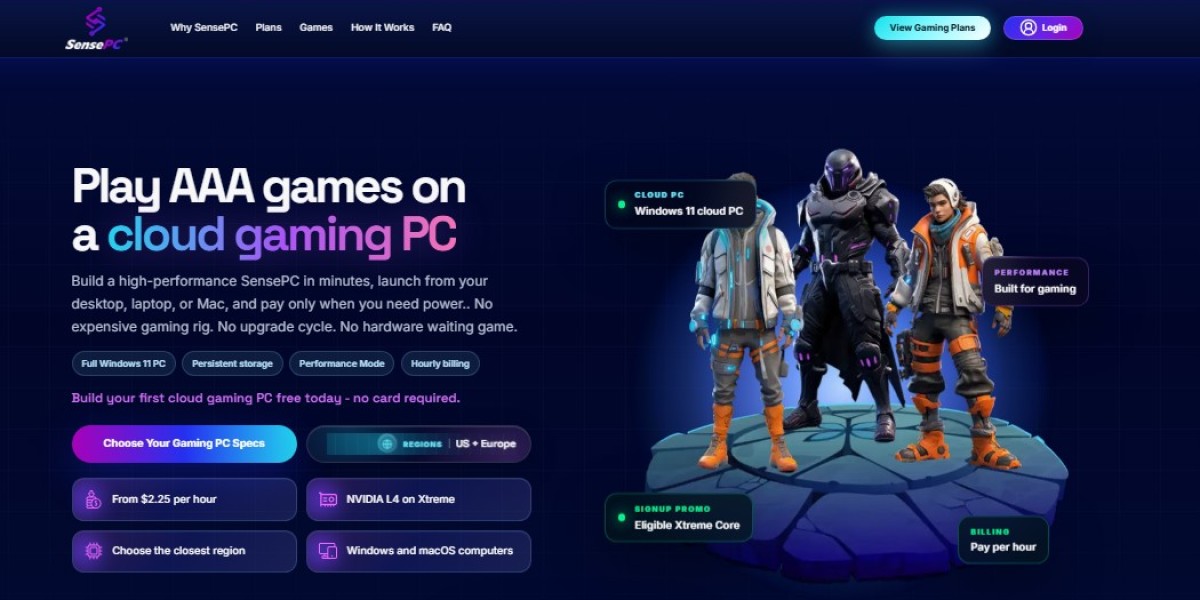
SensePC provides Windows 11 cloud desktops powered by NVIDIA L4 GPU infrastructure. Its remote computing environments are designed for compatible gaming applications, software development, and other demanding workloads.
Key features include:
NVIDIA L4 GPU options.
Configurable CPU, RAM, and SSD storage.
Flexible hourly, daily, and monthly plans.
Persistent storage for files and applications.
Browser access and Performance Mode.
Remote Windows desktop functionality.
With flexible usage options, SensePC cloud computing desktop offers an alternative to purchasing and maintaining an expensive physical gaming computer.
Final Thoughts
A cloud gaming PC virtual environment can help gamers access powerful computing resources without investing in high-end local hardware. From playing compatible PC games to running demanding applications, cloud PC gaming provides flexibility across supported devices.
If you are looking for a configurable Windows cloud desktop with GPU-powered computing, explore SensePC and discover a more flexible way to experience PC gaming.