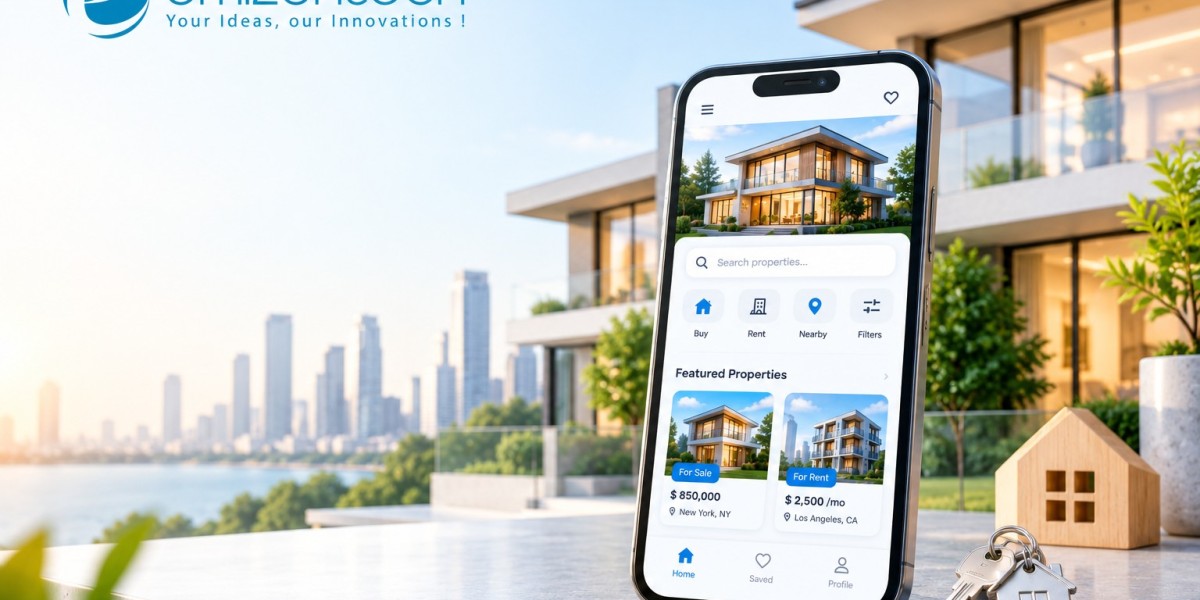

Buyers now shortlist homes on their phones long before they visit a single property, and a good virtual tour often decides which ones make the list. If you want to build a real estate app that supports this behaviour, the work goes beyond listings and a search bar. This guide explains why 3D views matter, the steps involved in building the app, the mistakes that slow projects down, and the answers to common questions.
Why Virtual Tours and 3D Views Are Changing Real Estate Apps
Photos show a room, but they do not show how spaces connect, how much light comes in, or whether a layout actually works for a family. Virtual tours fill that gap. A buyer can walk through a flat from another city or another country and rule it in or out in minutes. Agents benefit too, since fewer unqualified visitors turn up at the door. Matterport, which provides 3D scanning for property listings, has reported that listings with 3D tours attract more views and enquiries than those with photos alone, and portals such as Zillow now offer 3D tour formats directly on listing pages. For a developer selling units off-plan, a 3D walkthrough can also show a home that has not been built yet, which photos simply cannot do.
Steps to Build a Real Estate App With Virtual Tours and 3D Views
A real estate app is easier to manage when it is built in stages. Each step below narrows the scope before the next one begins, which keeps cost and delays under control.
Step 1: Define Your Audience and Business Model
Decide whether the app serves buyers, renters, agents, or developers, and how it earns money, through listing fees, subscriptions, or lead generation.
Step 2: Plan Core and Virtual Tour Features
Start with search, filters, map view, saved listings, and chat. Then add one tour format, such as 360-degree photos or a 3D walkthrough.
Step 3: Select the Right Technology Stack
Cross-platform tools like Flutter or React Native keep mobile costs down, while WebGL, Three.js, or a Matterport SDK handle 3D viewing. Pick tools your team already knows, since a familiar stack is easier to maintain and hire for.
Step 4: Design a Fast, Simple User Experience
Keep navigation light and load tours quickly on average mobile connections. Show a tour button clearly on every listing, and avoid cluttered screens.
Step 5: Develop and Integrate Listings, Maps, and Tours
Connect property listing data, map services, payment gateways, and a CRM to manage leads. Store virtual tour files in cloud storage and deliver them through a CDN for faster loading. Synchronising live listings, interactive 3D tours, and agent dashboards requires careful backend planning. Real estate app development services can help bring these components together into a reliable, user-friendly application.
Step 6: Test Performance and Security
Test on older phones and slow networks, since heavy 3D files break first there. Check login, payment flows, and how personal data is stored.
Step 7: Launch, Collect Feedback, and Improve
Release to one city or a small user group first. Watch which listings get tour views and where users drop off, then adjust.
Common Mistakes to Avoid When Building a Real Estate App
Most real estate apps struggle for similar reasons. Catching these early costs far less than fixing them after launch.
- Heavy 3D files: Uncompressed tours can take a long time to open on mobile data, and users rarely wait. Compress files and load them on demand.
- Overloading the first version: Adding AR, VR, mortgage calculators, and chat at once delays launch. One strong tour format is enough to start.
- Ignoring listing quality: Outdated or unverified listings erode trust fast. Build in agent verification and expiry dates for old listings.
- Weak search and filtering: If users cannot narrow results by price, location, and property type quickly, they leave for another app.
- Skipping privacy and security: Apps hold contact details, documents, and sometimes payment data. Encryption and clear consent are basic requirements.
Conclusion
A tour only matters if the app around it is fast, simple, and trustworthy. A 3D walkthrough that takes ten seconds to load or sits beside a stale listing loses the buyer it was meant to win. Before writing any code, list the five core features the app must have, then pick one tour type for the first release and do it well. Teams like EmizenTech often suggest this narrow starting point because it gets a working product in front of real users sooner, and their feedback shapes everything that follows.
Frequently Asked Questions
1. How long does it take to build a real estate app?
A basic version may take a few months, while an app with 3D tours, integrations, and several user roles takes longer. The timeline depends on scope and team size.
2. How much does a real estate app with 3D tours cost?
Costs vary widely with features, platforms, and where the team is based. 3D and AR features, listing integrations, and ongoing hosting all add to the total, so request itemised quotes.
3. Which technology is best for virtual property tours?
360-degree photo viewers work well for a simple start. For richer walkthroughs, WebGL, Three.js, or Matterport’s SDK are common options, and AR relies on ARKit or ARCore.
4. Can I add virtual tours to an existing real estate app?
Yes. Most tour tools offer embeddable viewers or SDKs, so a tour can be added to listing pages without rebuilding the whole app.
5. How do real estate apps make money?
Common models include listing fees, agent subscriptions, paid lead generation, featured placements, and commissions on transactions.