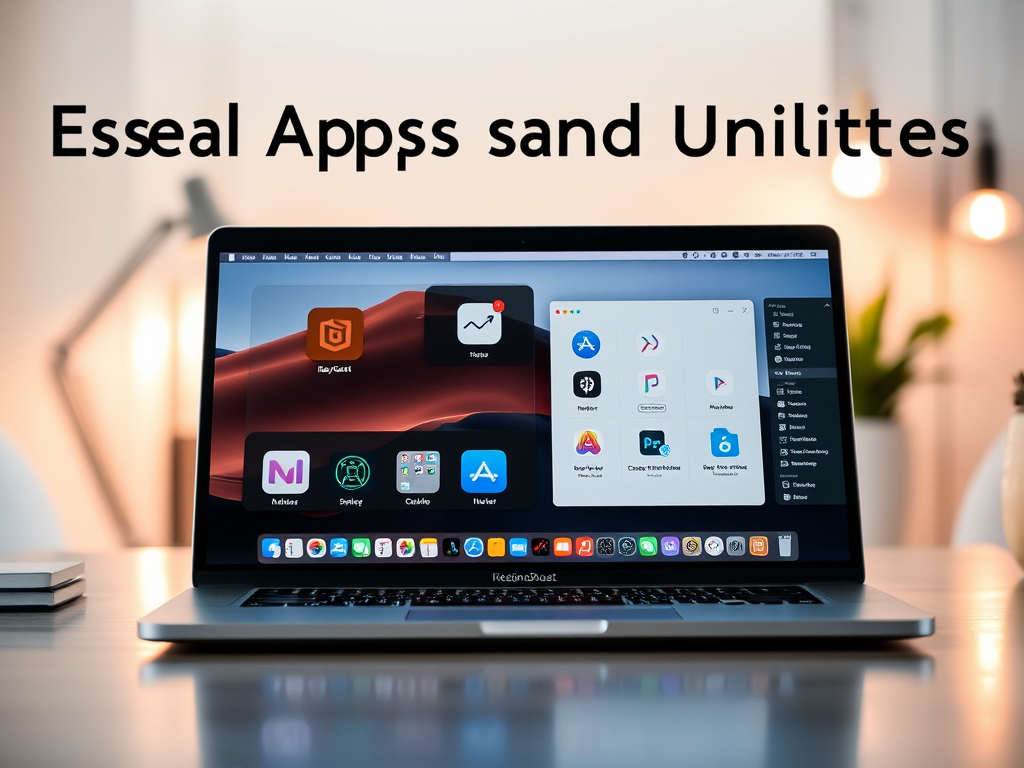
Whether you’re a creative, developer, student, or just a productivity junkie, your Mac can be so much more than its out-of-the-box setup. The right apps can completely transform your workflow, boost your productivity, and help you get more done with less effort.
In this updated 2025 edition, we’re bringing you the must-have Mac apps and utilities—carefully curated across categories like productivity, creativity, system management, and security. These are the tools that power modern Mac users.
💼 Productivity & Workflow
✅ Raycast
A Spotlight replacement and productivity powerhouse. Launch apps, control system functions, run scripts, and integrate with tools like Notion and GitHub—all from your keyboard.
Why it’s essential: Fast, scriptable, and now supports AI (2025 update: Gemini plugin support added).
✅ Alfred 5 (Alt to Raycast)
Still going strong with custom workflows, clipboard history, and file navigation. Great for power users who love fine-tuning.
✅ Notion
Your all-in-one workspace for notes, docs, wikis, and task management. With AI features built-in, it’s now a creative assistant too.
2025 Note: Offline mode and faster sync across devices make it better than ever.
✅ CleanShot X
The best screenshot and screen recording tool for Mac—period. Annotations, GIFs, scroll capture, and cloud uploads.
🛠️ System & Utility Apps
✅ Bartender 5
Take full control over your menu bar. Hide, rearrange, or auto-collapse icons.
2025 Update: Supports macOS Sequoia’s redesigned system tray.
✅ Magnet
Snap windows into place with simple keyboard shortcuts. Great for multitasking.
Alternative: Rectangle (free and open-source)
✅ iStat Menus
Get detailed stats about your Mac’s CPU, RAM, battery, and temperatures. Especially helpful for M-series Macs when managing performance.
🔒 Security & Privacy
✅ 1Password 8
A trusted password manager that works across all devices. Now includes passkey support and secure vault sharing.
✅ Little Snitch / Lulu (free)
Monitor and control outgoing network traffic. Helps you see what your apps are doing behind the scenes.
🎨 Creativity & Design
✅ Pixelmator Pro
A lightweight but powerful image editor that’s perfect for Mac users who don’t want the bulk (or price) of Photoshop.
✅ DaVinci Resolve 19
Professional-grade video editing software. The 2025 version runs beautifully on M1/M2/M3 chips and now integrates with Blackmagic Cloud.
✅ Figma Desktop App
Design, prototype, and collaborate. Essential for UX/UI designers and product teams.
👨💻 For Developers
✅ Warp Terminal
A modern Rust-based terminal with AI command suggestions, real-time output blocks, and team collaboration.
✅ Visual Studio Code
Still the most flexible code editor. The 2025 build is snappier and includes native Apple Silicon support, AI coding assistant (Copilot/Gemini), and better Docker integration.
✅ Homebrew
Still the best package manager for Mac. If you install anything from the terminal, you need this.
/bin/bash -c "$(curl -fsSL https://raw.githubusercontent.com/Homebrew/install/HEAD/install.sh)"
☁️ Cloud & Backup Tools
✅ Dropbox / Google Drive / iCloud Drive
Choose your cloud, but pick one and stick with it. Syncing across devices is essential for any modern workflow.
✅ Time Machine + Backblaze
Use Time Machine for local backups and Backblaze for reliable cloud-based backups of your entire system.
🤖 AI & Automation Tools
✅ MacWhisper
Transcribe audio locally using OpenAI’s Whisper models. Great for meetings, content creation, and research.
✅ Shortery (Shortcuts automation)
Automate system actions, app launches, scripts, and more based on events like Wi-Fi network, time of day, or battery level.
🧼 Honorable Mentions
- Hidden Bar – Free menu bar organizer
- Amphetamine – Keep your Mac awake without changing energy settings
- Vanilla – Simple, elegant menu bar cleaner
- ToothFairy – One-click Bluetooth device switcher
- Keka – Fast file archiver (.zip, .7z, etc.)
- The Unarchiver – Open rare formats like .rar and .tar.gz
- Dropzone – Drag-and-drop productivity tool for quick actions
🧠 Final Thoughts
Your Mac is a powerhouse—but only if you unlock its full potential with the right tools. Whether you’re editing videos, managing projects, or writing code, the apps above will help you work faster, smarter, and more securely.
2025 is all about automation, AI integration, and clean UI design—and the tools listed reflect that trend.